
World War 2: Offline Strategy for Android
World War 2: Offline Strategy screenshots
What is World War 2: Offline Strategy?
GNVID brings you World War 2: Offline Strategy, the strategy game for Android, in its latest version 1.7.515 as a free APK download from fast servers.
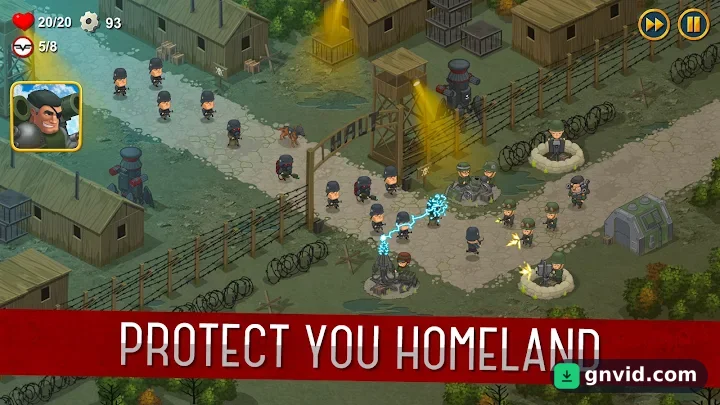
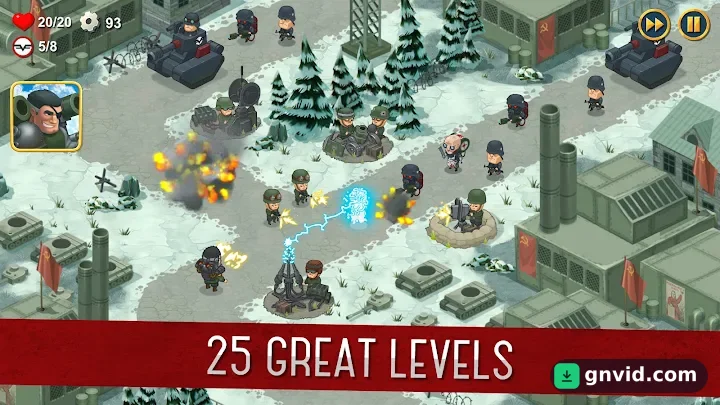
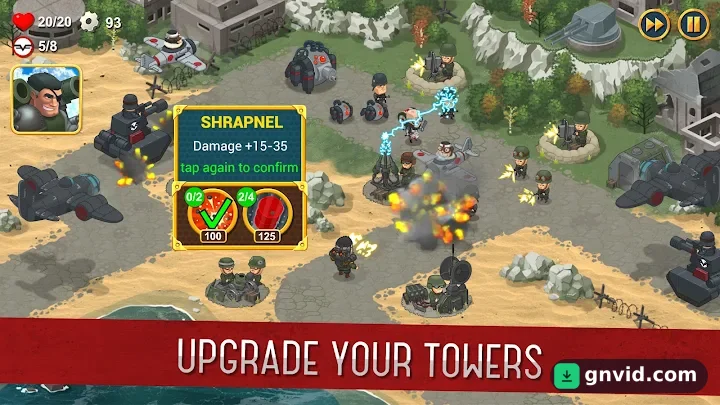
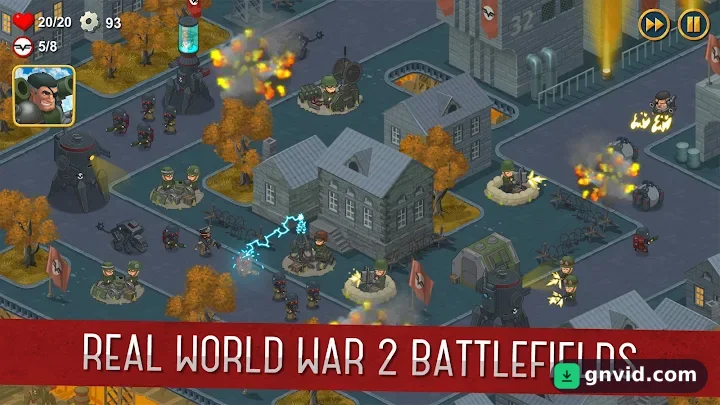
By installing World War 2: Offline Strategy on your Android tablet or phone, you’ll discover a captivating castle defense strategy game with 25 exciting and challenging levels where you command Allied forces during World War II! All missions are inspired by real battles, such as the Battle of Normandy, the Battle of Moscow, the Battle of Berlin, and the attack on Pearl Harbor! Build various defensive turrets and resist the Nazi forces! Use not only World War II units, but also robots and machines from the steam age to defeat the invaders! Confront the Nazis in Normandy and Berlin, defend against the Soviets at Pearl Harbor, and finally escape the extermination camps in Poland. Experience a fantastic castle defense!
Changes made in version v1.7.515:
* No changes are listed for this version of the game on Google Play.
World War 2: Offline Strategy specifications
| Version | 1.7.515 |
|---|---|
| Size | 105 MB |
| File format | APK |
| Android | 8.0+ |
| Internet | Plays offline |
| Genre | Strategy |
| Developer | Cantalooza Games LLC |
| Updated | 2023-10-19 |
| Price | Free |
Download links
Download the APK file world-war-2-syndicate-td-v1.7.515-gnvid.com.apk 105 MBDirect links served by the GNVID download server.
How to install World War 2: Offline Strategy
- Download the APK file with the button.
- Allow "Install unknown apps" in Settings.
- Open the file and tap "Install".
World War 2: Offline Strategy FAQ
Is World War 2: Offline Strategy free?
Yes, you can download World War 2: Offline Strategy for free as APK.
Does World War 2: Offline Strategy work offline?
Yes, it plays without an internet connection.
Which Android version does World War 2: Offline Strategy need?
Android 8.0 or newer.
How do I install the APK file?
Download the APK file with the download button, then open it from your file manager. Allow installs from unknown sources if your phone asks.
Related games
 Bid Wars 2: Auction Simulator
v2.45
Download · 251 MB
 Warlords of Aternum
v1.26.0
Download · 110 MB
 RISK: Global Domination
v3.24.3
Download · 322 MB
 Oceans & Empires (Uncharted Wars: Oceans & Empires)
v2.4.9
Download · 252 MB
 Viking Saga: New World
v1.01
Download · 8 MB
 Zombie Defense
v13.0.2
Download · 150 MB
 Empire Defender TD
v2.19.18
Download · 124 MB
 Stick War 3
v2026.5.7576
Download · 471 MB
