
TFQ Video Games for Android
TFQ Video Games screenshots

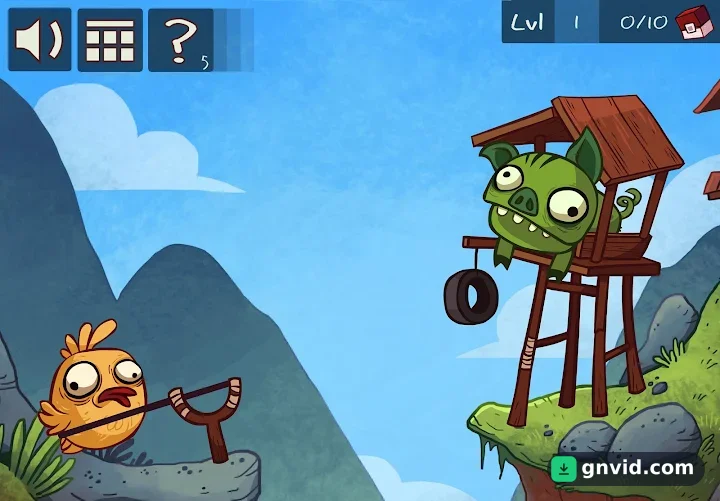
What is TFQ Video Games?
GNVID brings you TFQ Video Games, the puzzle game for Android, in its latest version 226.1.31 as a free APK download from fast servers.
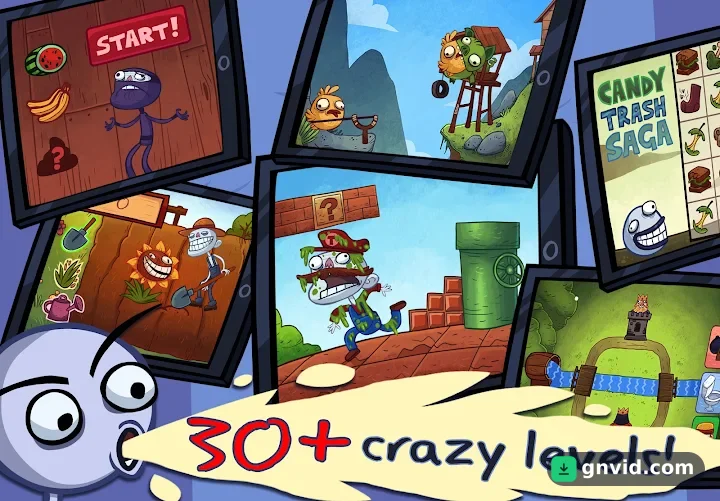
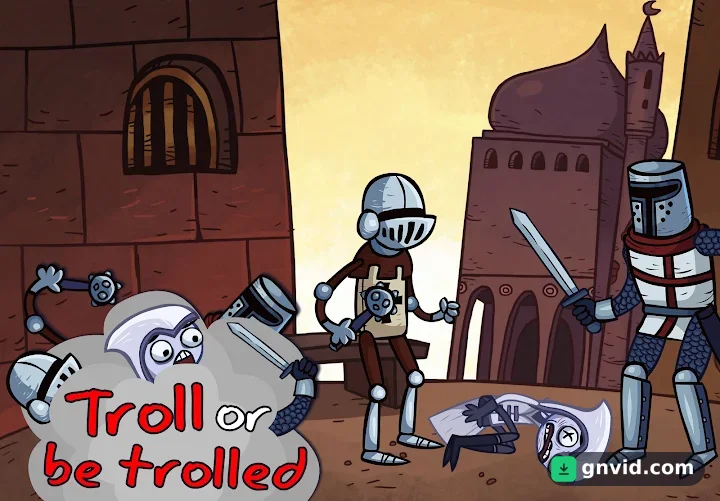
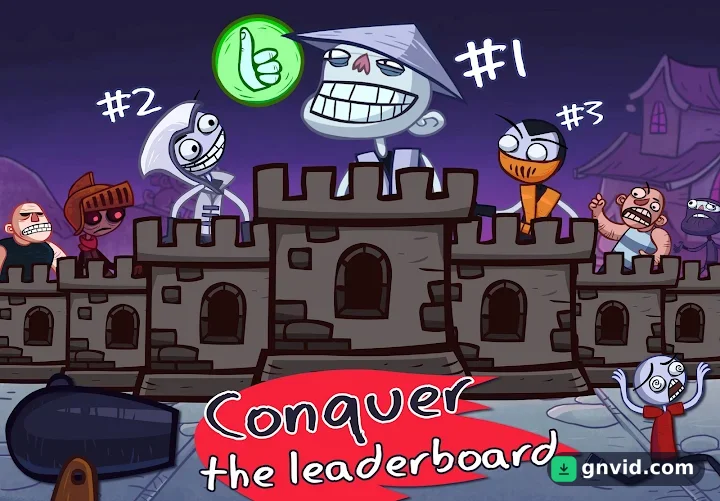
In Troll Face Quest Video Games you go on an exciting journey where you have to solve all kinds of puzzles, some of which seem unsolvable, and make fun of the most famous characters in the history of computer games! All the famous characters from computer games are present here; We will not mention their names so that they will not be ashamed of being ridiculed! Here we will make fun of all the famous characters from first-person adventure games, boxers, ninjas, scary orcs, puzzle game characters and even innocent characters experienced in computer games! Isn’t that interesting?! More than 30 different stages in the game are waiting for you, no matter what style of play you like, this game will attract your attention with its wonderful design and construction and it is worth a try!
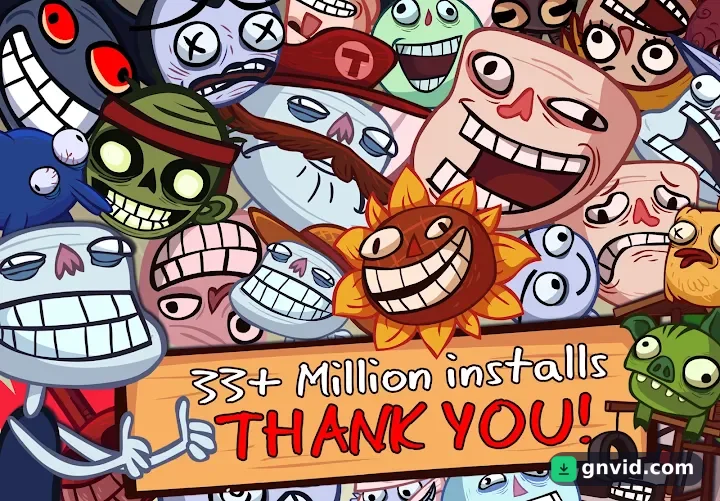
Troll Face Quest Video Games game has been downloaded tens of millions of times by Android users around the world from Google Play and rated 4.5 out of 5.0!
TFQ Video Games specifications
| Version | 226.1.31 |
|---|---|
| Size | 76 MB |
| File format | APK |
| Android | 8.0+ |
| Internet | Plays offline |
| Genre | Puzzle |
| Developer | Azerion Casual |
| Updated | 2025-08-23 |
| Price | Free |
Download links
Download the APK file troll-face-quest-video-games-v226.1.31-gnvid.com.apk 76 MBDirect links served by the GNVID download server.
How to install TFQ Video Games
- Download the APK file with the button.
- Allow "Install unknown apps" in Settings.
- Open the file and tap "Install".
TFQ Video Games FAQ
Is TFQ Video Games free?
Yes, you can download TFQ Video Games for free as APK.
Does TFQ Video Games work offline?
Yes, it plays without an internet connection.
Which Android version does TFQ Video Games need?
Android 8.0 or newer.
How do I install the APK file?
Download the APK file with the download button, then open it from your file manager. Allow installs from unknown sources if your phone asks.
Related games
 Hunter Assassin
v2.044
Download · 144 MB
 Pet Rescue Saga
v4.22.1.0
Download · 172 MB
 Lost Twins – A Surreal Puzzler
v1.1.5
Download · 51 MB
 Diamond Diaries Saga
v1.108.0.0
Download · 129 MB
 Cube Escape: Theatre
v5.2.2
Download · 49 MB
 Persian Nights: Sands of Wonders
v1.0
Download · 30 MB
 Angry Birds Star Wars II
v1.9.25
Download · 50 MB
 Bubble Mania
v2.5.11
Download · 95 MB
