Tank Z for Android
Tank Z screenshots
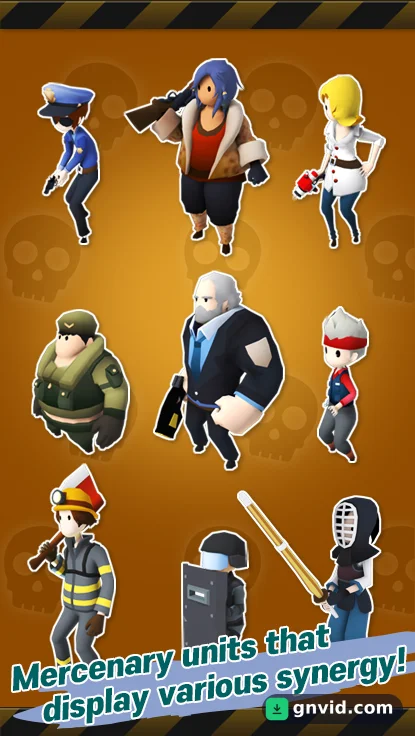
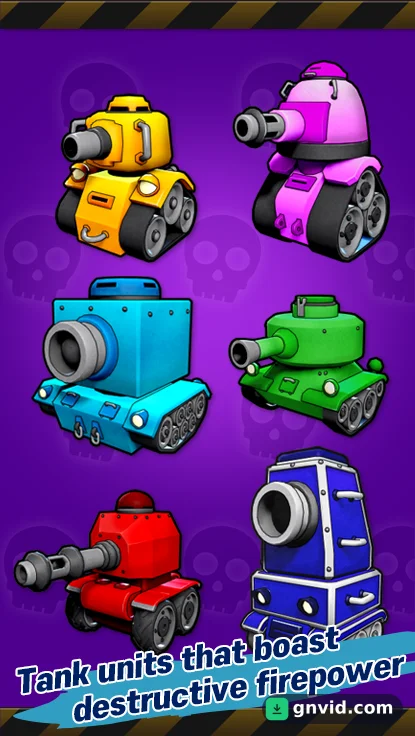
What is Tank Z?
GNVID brings you Tank Z, the action game for Android, in its latest version as a free APK download from fast servers.
Tank Z is a fun and simple game, but also challenging and thrilling. Developed and published for free by the Korean studio STORYZINE STUDIO on Google Play, it is accessible to Android users worldwide. Its content and storyline are fairly classic, like hundreds, if not thousands, of similar games. The story tells of a zombie horde that has invaded Earth and is decimating humanity. As you might expect, a group decides to confront this global threat and adopt an original approach: piloting a tank and attacking the very heart of enemy lines. As the leader of this group, you must guide them to withstand the immense zombie horde in extreme conditions. Your task will not be easy, but with the right reflexes and timing, you will manage to complete the levels.
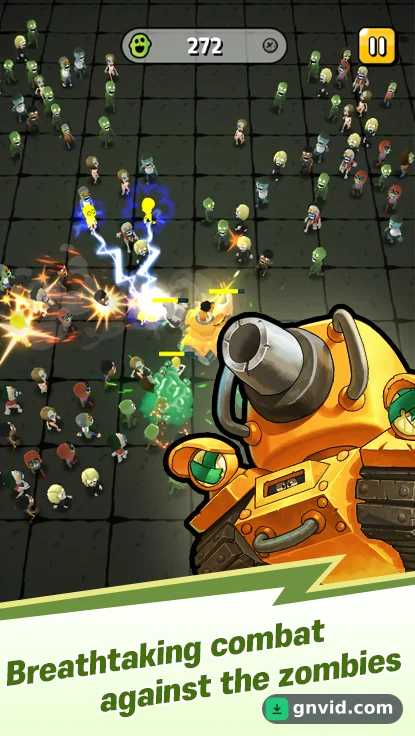
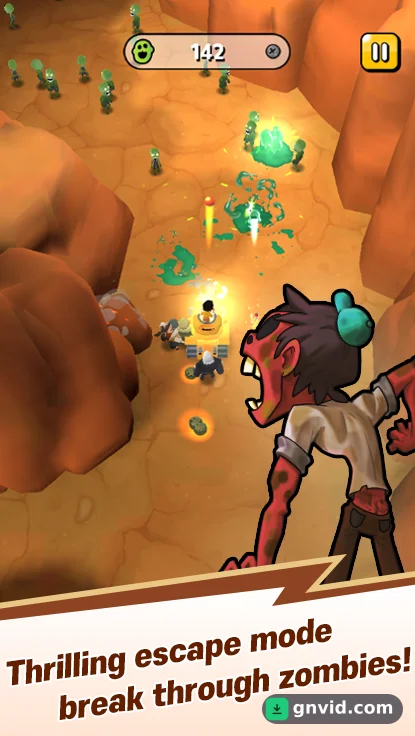
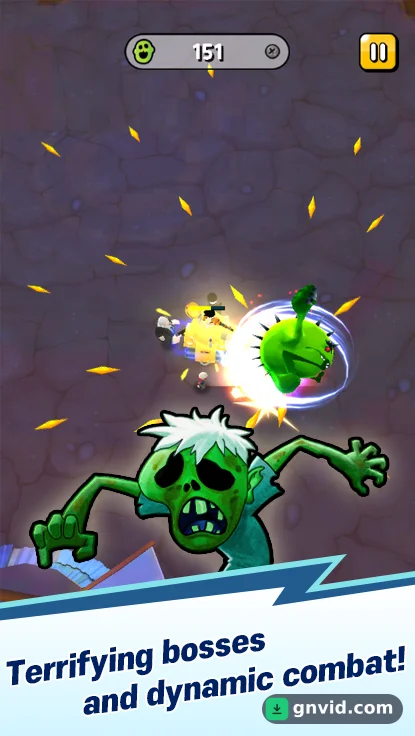
In Tank Z, an arcade action game, you pilot a tank. You can also use other characters and heroes to complete your team. The main objective is to cover a 360-degree circle. Once your team is ready for combat, it’s time to attack the heart of the enemy. Your primary mission is to move your team and tank at the right time. If you remain stationary, you will become prey for the zombies. It is therefore crucial to maintain distance from them and constantly move to prevent them from getting close. Your troops will take care of the rest and automatically fire on the nearest zombies. In Tank Z, you can recruit various characters and purchase more powerful and better-equipped tanks. However, your enemies will become stronger as you progress. At the end of the levels, you will have to face formidable bosses, much tougher and more dangerous, and try to defeat them before they annihilate you. Tank Z is a simple arcade game with 3D cartoon graphics that will appeal to every player. To learn more about the game’s style and genre, you can watch the trailer or view the screenshots.
Instructions for installing and running the game:
– Start by downloading and installing the installation file.
Copy the com.story.tankz folder to the Android/obb directory in the device’s internal memory.
– Launch the game.
Tank Z specifications
| Size | 49 MB |
|---|---|
| File format | APK |
| Android | 4.4+ |
| Internet | Needs an internet connection |
| Genre | Action |
| Developer | SuperSalt |
| Updated | 2021-01-14 |
| Price | Free |
Download links
Download the APK file tank-z-gnvid.com.apk 49 MB Extra ZIP file tank-z-2-gnvid.com.zip 177 MBDirect links served by the GNVID download server.
How to install Tank Z
- Download the APK file with the button.
- Allow "Install unknown apps" in Settings.
- Open the file and tap "Install".
Tank Z FAQ
Is Tank Z free?
Yes, you can download Tank Z for free as APK.
Does Tank Z work offline?
No, the game needs an internet connection.
Which Android version does Tank Z need?
Android 4.4 or newer.
How do I install the APK file?
Download the APK file with the download button, then open it from your file manager. Allow installs from unknown sources if your phone asks.
Related games
 BattleOps
v1.5.3
Download · 339 MB
 Metal Soldiers 2
v3.24
Download · 153 MB
 Gladihoppers
v3.0.5
Download · 82 MB
 Square Bird
v5.83.1
Download · 166 MB
 Zombie Frontier 3
v2.69
Download · 168 MB
 Angry Birds Evolution
v2.9.23
Download · 559 MB
 Dream Defense
v2.1.410
Download · 96 MB
 Draconian
v1.2.14
Download · 206 MB
