
Queen’s Quest 5: Symphony of Death for Android
Queen’s Quest 5: Symphony of Death screenshots
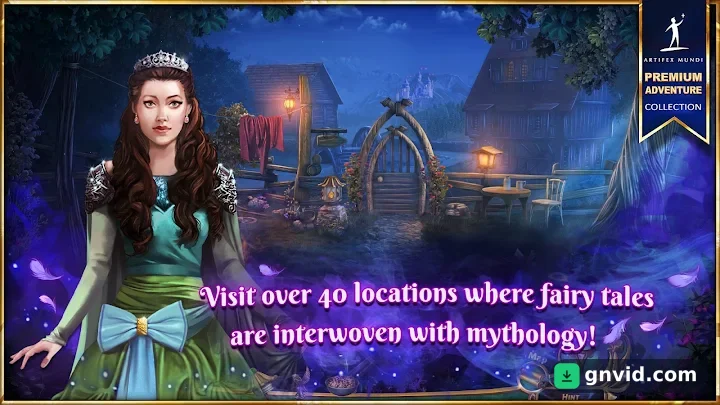
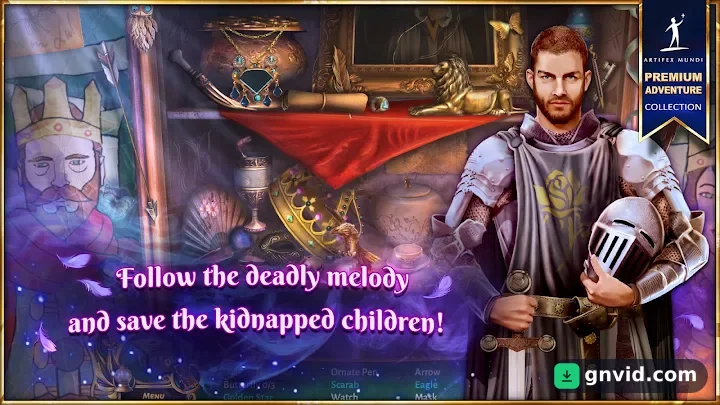
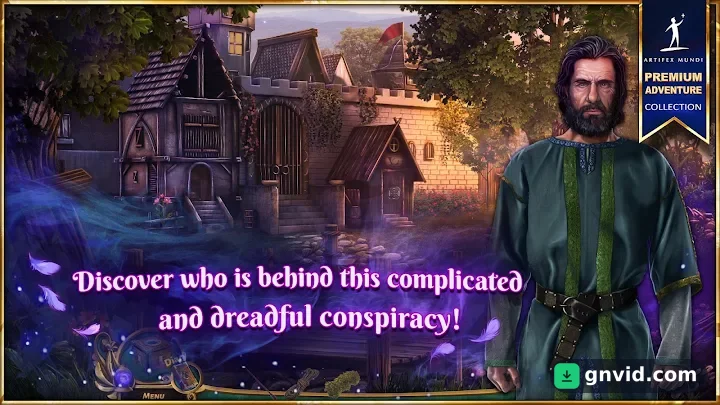
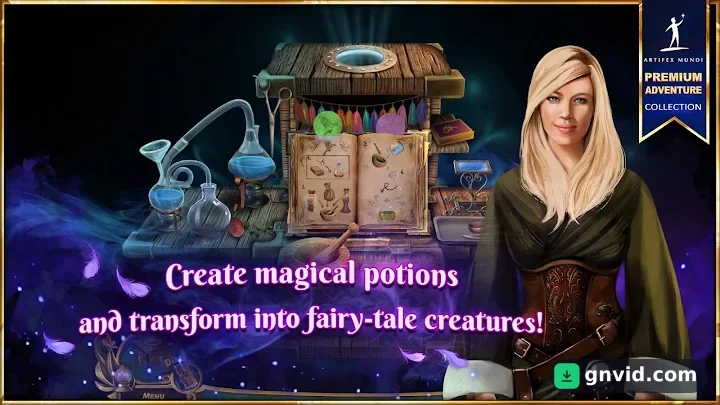
What is Queen’s Quest 5: Symphony of Death?
Looking for a story-rich puzzle adventure for your phone? This page offers the Queen’s Quest 5: Symphony of Death APK download for Android, the latest version together with its data files. It is the fifth chapter of the Queen’s Quest series by Artifex Mundi, the studio behind Enigmatis and Grim Legends, and one of the most content-packed entries in the series. It plays fully offline.
About Queen’s Quest 5 and How It Plays
The story picks up after the earlier games. With the evil queen defeated, the heroine, an alchemist and sorceress, is called into a new adventure tied to a powerful curse.
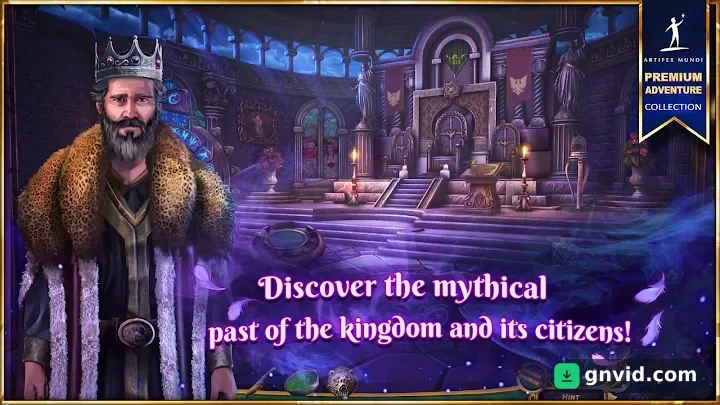
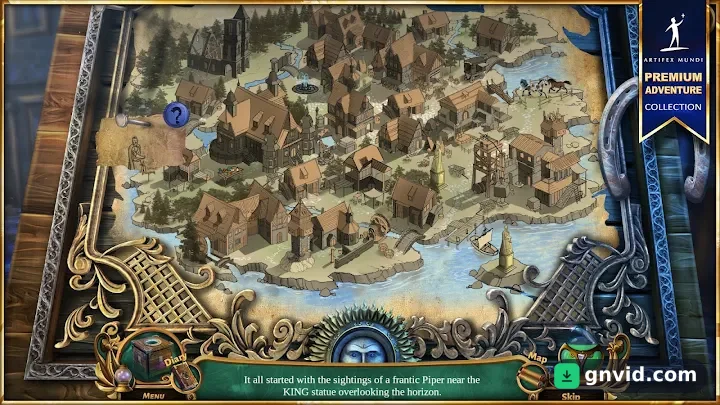
The kingdom of Netherfall is caught in a conspiracy. Children are vanishing, and eerie whispers drift through the city streets. King Robert asks for your help once again. Your character has a rare talent for brewing curse-breaking elixirs, along with sharp detective instincts and a knack for solving riddles.
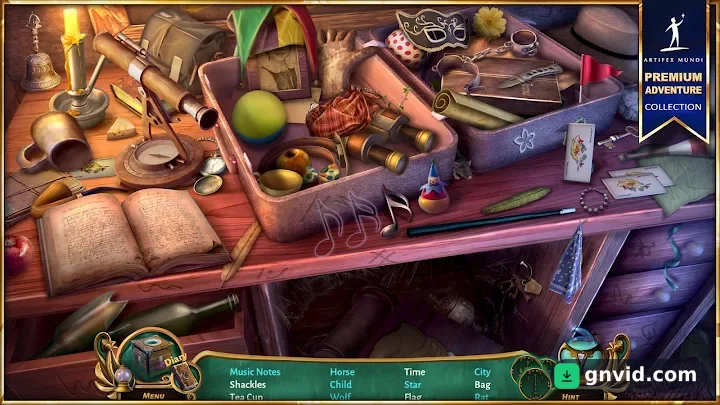
Gameplay follows the classic Artifex Mundi formula: explore detailed scenes, gather clues and hidden items, talk to the locals and solve puzzles to push the investigation forward.
Locations, Puzzles and Characters
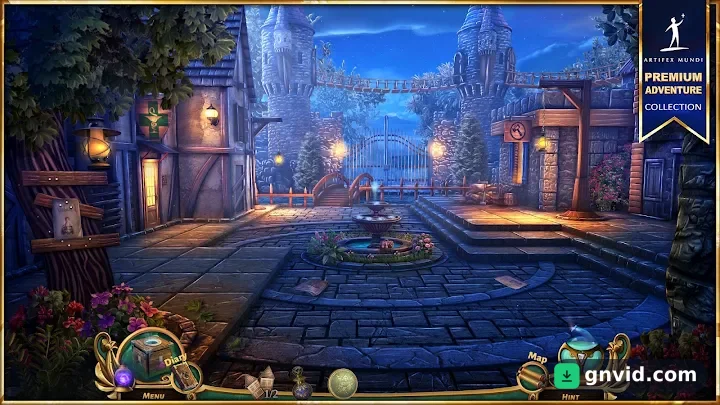
The journey takes you through more than 40 mysterious locations, each hiding its own secrets. Along the way you will face 35 different puzzles, and some of them are genuinely challenging.
Dozens of characters populate Netherfall, and their dialogue and behavior help you piece together what is really happening. Your goal is to find the kidnapped children and bring them home, but the deeper you dig, the darker the mystery gets.
The game is free to download and lets you play part of the adventure, with the full game available as an in-app purchase.
Requirements and Installing Queen’s Quest 5
You need Android 4.3 or newer. The game is rated 12+ and does not require an internet connection.
The download includes an APK of about 79 MB and a compressed data file of about 404 MB. To install:
- Download and install the APK.
- Download the data file and extract it.
- Copy the folder com.artifexmundi.queensquest5.gp.free to Android/obb in your internal storage.
- Launch the game.
Make sure you have enough free storage, since the extracted data takes extra space.
Queen’s Quest 5: Symphony of Death features
- Fifth chapter of the Queen’s Quest series by Artifex Mundi
- 40+ mysterious locations to explore
- 35 varied puzzles, some truly challenging
- Dozens of characters whose dialogue reveals clues
- Dark mystery of missing children in Netherfall
- Plays fully offline
What's new in this version
Version 1.0 is the game's first release on Google Play.
Queen’s Quest 5: Symphony of Death specifications
| Version | 1.0 |
|---|---|
| Size | 79 MB |
| File format | APK |
| Android | 4.3+ |
| Internet | Plays offline |
| Genre | Adventure |
| Developer | Artifex Mundi |
| Updated | 2019-08-08 |
| Price | Free |
Download links
Download the APK file queens-quest-5-symphony-of-death-v1.0-gnvid.com.apk 79 MB Extra ZIP file queens-quest-5-symphony-of-death-v1.0-2-gnvid.com.zip 404 MB Extra OTHER file queens-quest-5-symphony-of-death-v1.0-3-gnvid.com.otherDirect links served by the GNVID download server.
How to install Queen’s Quest 5: Symphony of Death
- Download the APK file with the button.
- Allow "Install unknown apps" in Settings.
- Open the file and tap "Install".
Queen’s Quest 5: Symphony of Death FAQ
Does Queen’s Quest 5 work offline?
Yes, the game can be played without an internet connection once installed.
What Android version do I need?
Android 4.3 or newer.
How do I install the OBB data?
Install the APK, extract the data file, copy the folder com.artifexmundi.queensquest5.gp.free to Android/obb, then start the game.
Is Queen’s Quest 5 free?
It is free to download with part of the adventure playable; the full game is unlocked through an in-app purchase.
Related games
 Magic Jigsaw Puzzles
v7.37.2
Download · 259 MB
 Doors: Awakening
v1.51
Download · 196 MB
 Trip Trap
v1.9.6
Download · 128 MB
 Chess Master 2014
v14.07.14
Download · 14 MB
 Bubble CoCo
v2.6.13
Download · 175 MB
 Gemmy Lands
v12.14
Download · 137 MB
 Magic Cube Puzzle 3D
v1.19.109
Download · 66 MB
 Doors And Rooms 3 Android
v1.5.6
Download · 99 MB
