Galaxy sky shooting for Android
Galaxy sky shooting screenshots
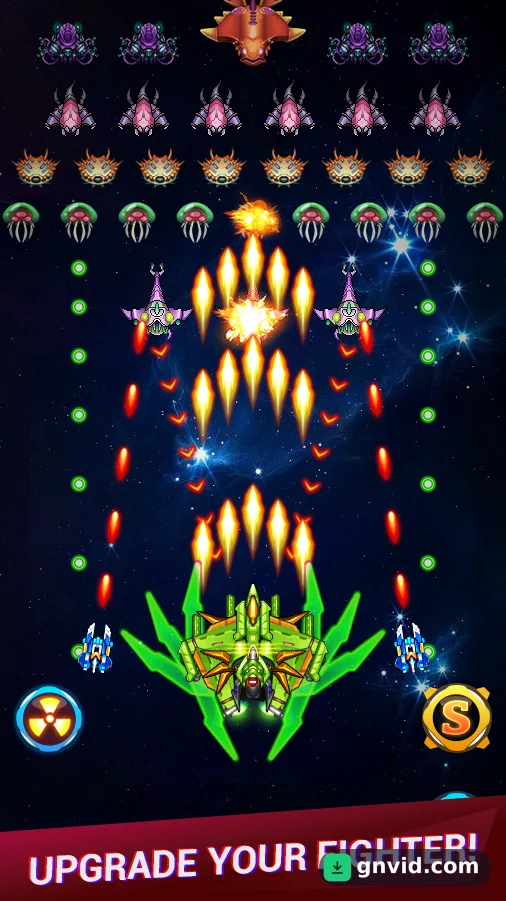
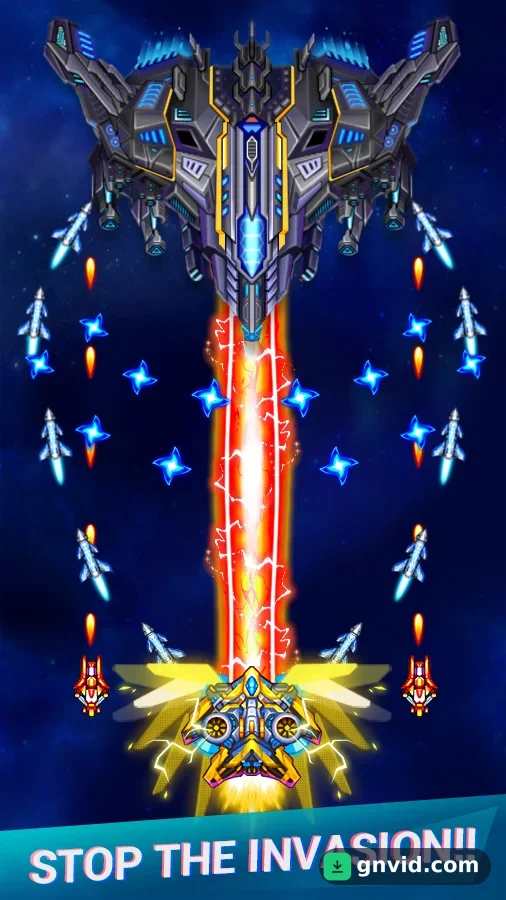
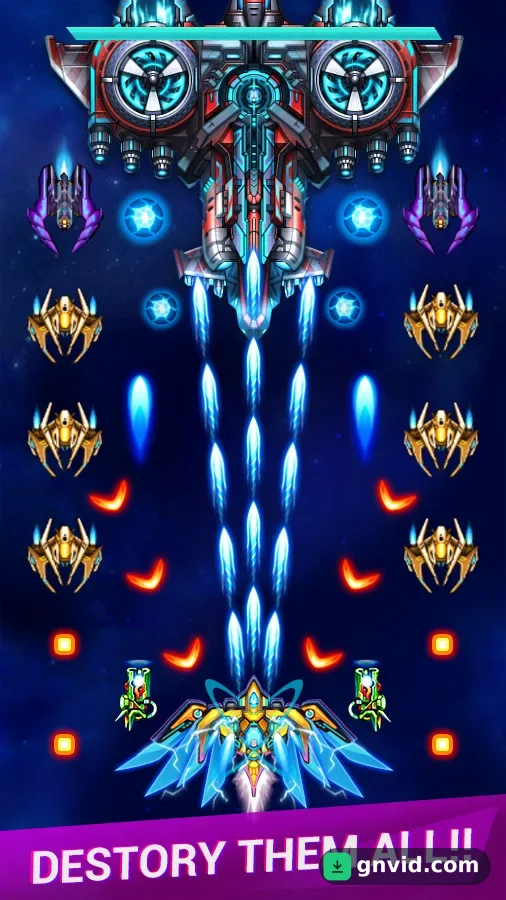
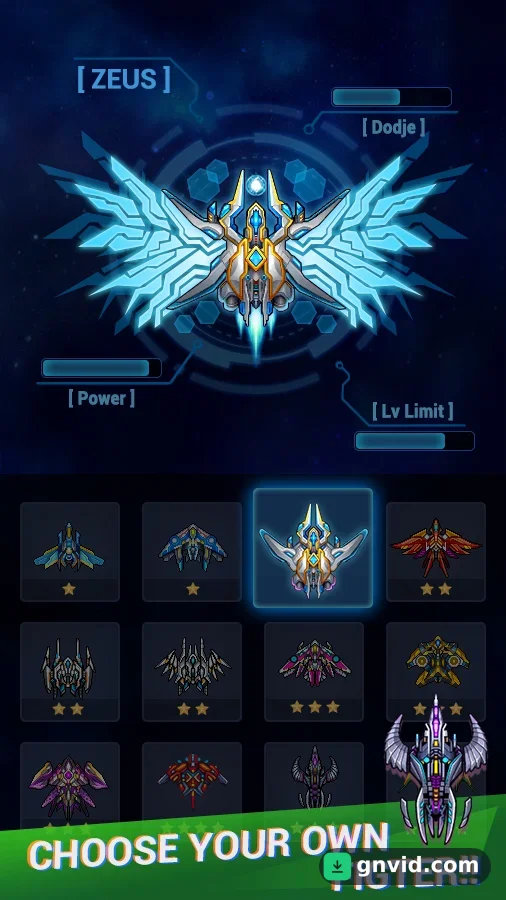
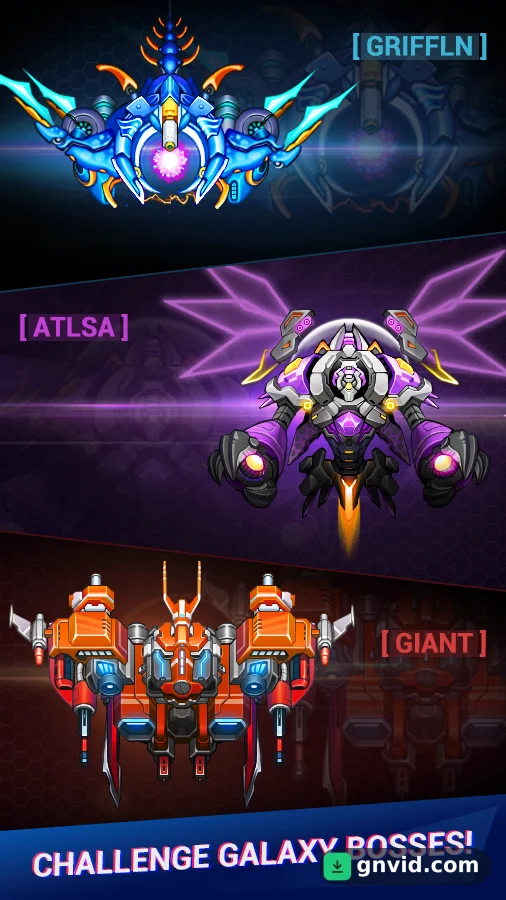
What is Galaxy sky shooting?
GNVID brings you Galaxy sky shooting, the arcade game for Android, in its latest version 4.9.6 as a free APK download from fast servers.
Choose your favorite ship from a wide selection, upgrade it, and prepare for breathtaking battles. Thanks to its intuitive touch controls, move your ship with ease and take down your enemies one by one with a simple tap of the screen! Fearsome creatures will stand before you; to defeat them, fire repeatedly. Dodge their arrows and eliminate them with your lightning speed. If you’re a fan of aerial combat games, Galaxy Sky Shooting will captivate and entertain you for hours in an enchanting universe.
Some features of the Android arcade game Galaxy Sky Shooting:
To date, the Galaxy Sky Shooting game has been downloaded tens of millions of times by Android users worldwide from Google Play and has received a good rating of 4.5 out of 5.
Galaxy sky shooting features
- More than 10 different ships to choose from
- Three different game modes: Campaign, Endless, and Boss
- You can upgrade your ship with the money you earn.
- Meet a wide variety of ships, large and small.
- Stunning 2D graphics and captivating sound
Galaxy sky shooting specifications
| Version | 4.9.6 |
|---|---|
| Size | 71 MB |
| File format | APK |
| Android | 5.0+ |
| Internet | Plays offline |
| Genre | Arcade |
| Developer | IVYGAMES |
| Updated | 2024-05-13 |
| Price | Free |
Download links
Download the APK file galaxy-sky-shooting-v4.9.6-gnvid.com.apk 71 MBDirect links served by the GNVID download server.
How to install Galaxy sky shooting
- Download the APK file with the button.
- Allow "Install unknown apps" in Settings.
- Open the file and tap "Install".
Galaxy sky shooting FAQ
Is Galaxy sky shooting free?
Yes, you can download Galaxy sky shooting for free as APK.
Does Galaxy sky shooting work offline?
Yes, it plays without an internet connection.
Which Android version does Galaxy sky shooting need?
Android 5.0 or newer.
How do I install the APK file?
Download the APK file with the download button, then open it from your file manager. Allow installs from unknown sources if your phone asks.
Related games
 Rolly Legs
v3.04
Download · 163 MB
 Tasty Town
v1.20.9
Download · 625 MB
 Hammer Jump
v1.7.3
Download · 202 MB
 Project Makeover
v2.148.1
Download · 300 MB
 Garden Mania 2
v3.6.7
Download · 38 MB
 Fruit Ninja Fight
v2.45.0
Download · 453 MB
New
 Dune!
v5.7.4
Download · 199 MB
 Super Penguins
v2.7.5
Download · 101 MB
