
Dodge Arrow APK for Android
Dodge Arrow screenshots
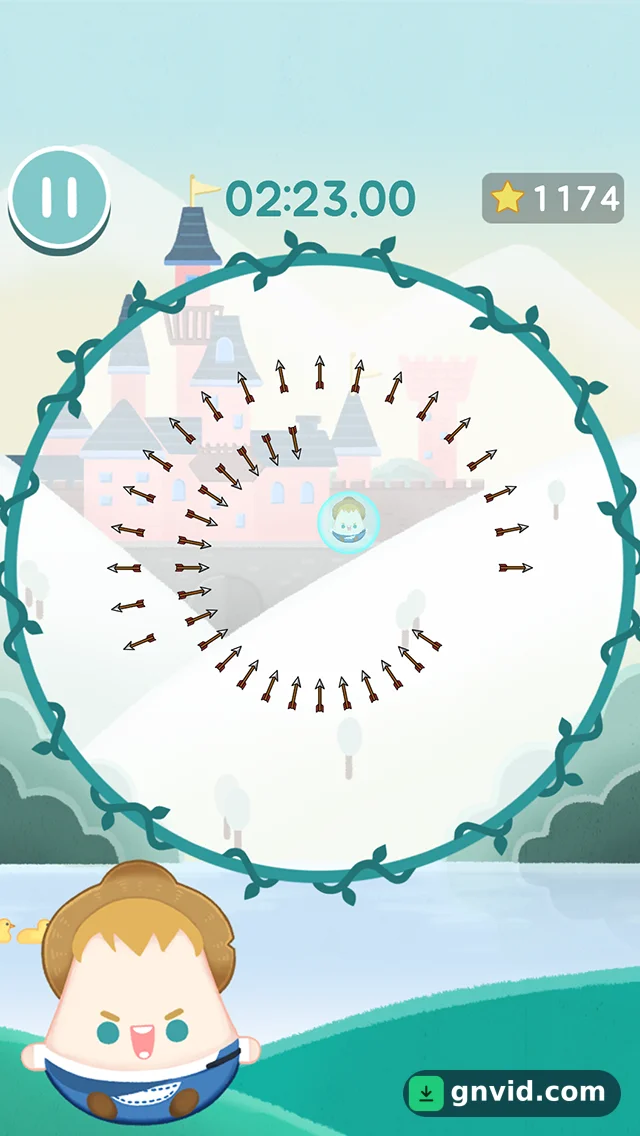
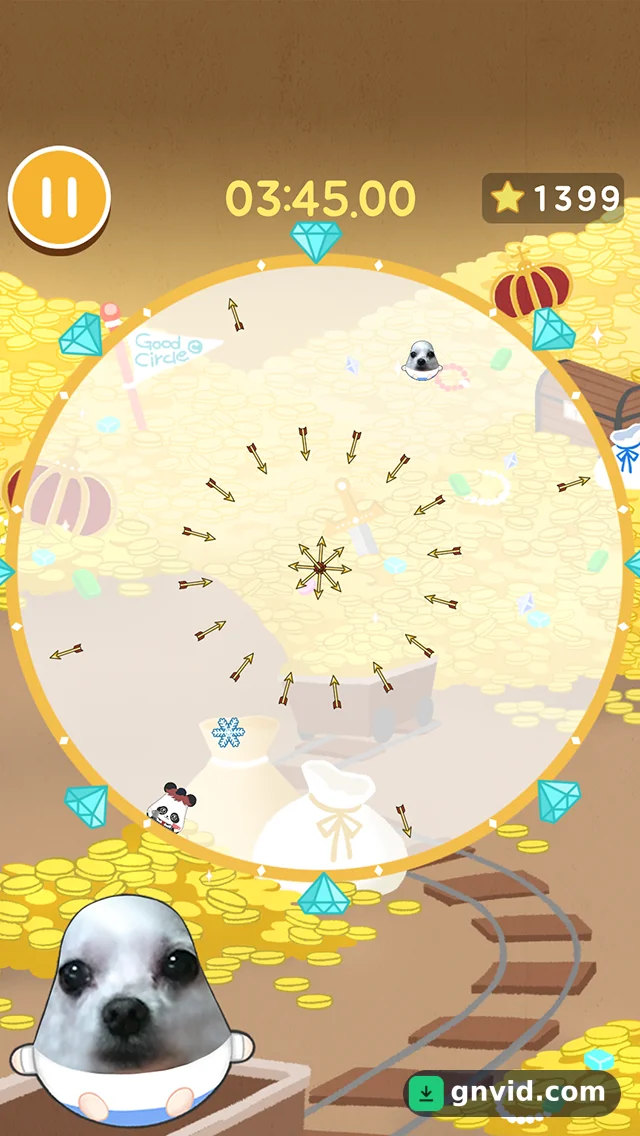
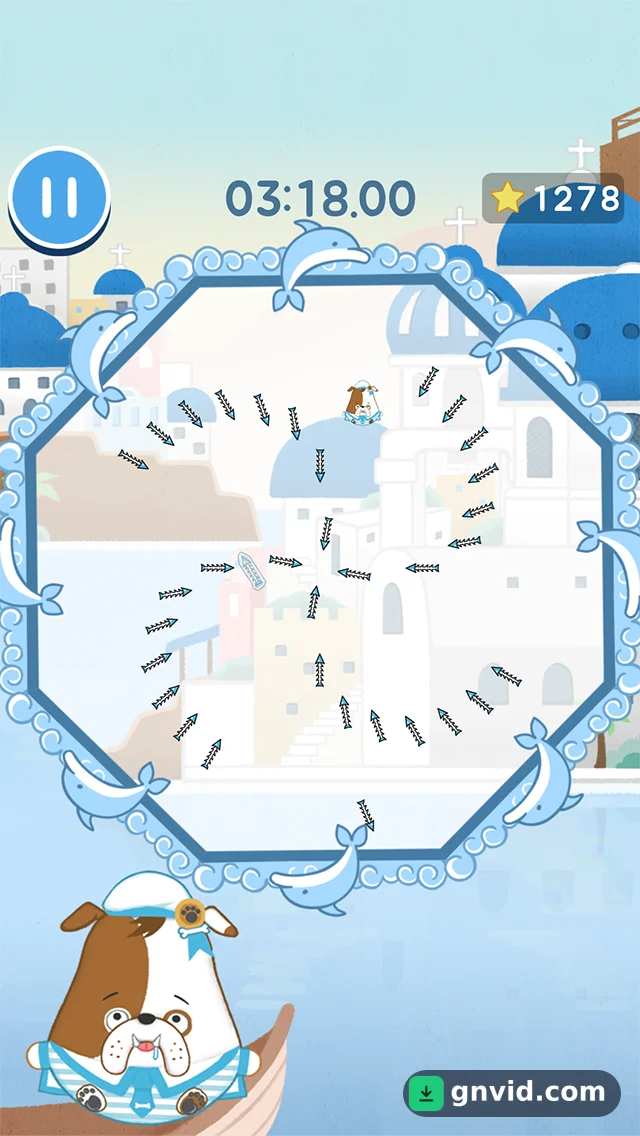
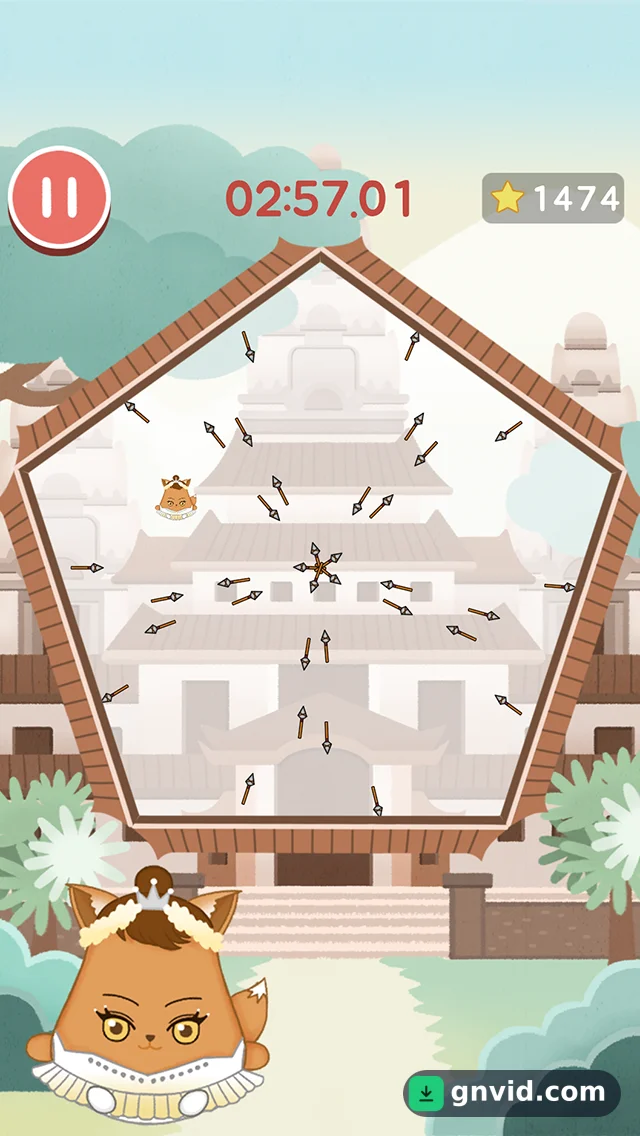
What is Dodge Arrow?
Want a quick game that puts your reflexes to the test? Get the Dodge Arrow APK download for Android on GNVID. This small arcade title from Good Circle is free to play and runs without an internet connection. You can grab the latest version as a standard APK and install it in seconds.
What Dodge Arrow Is and How It Plays
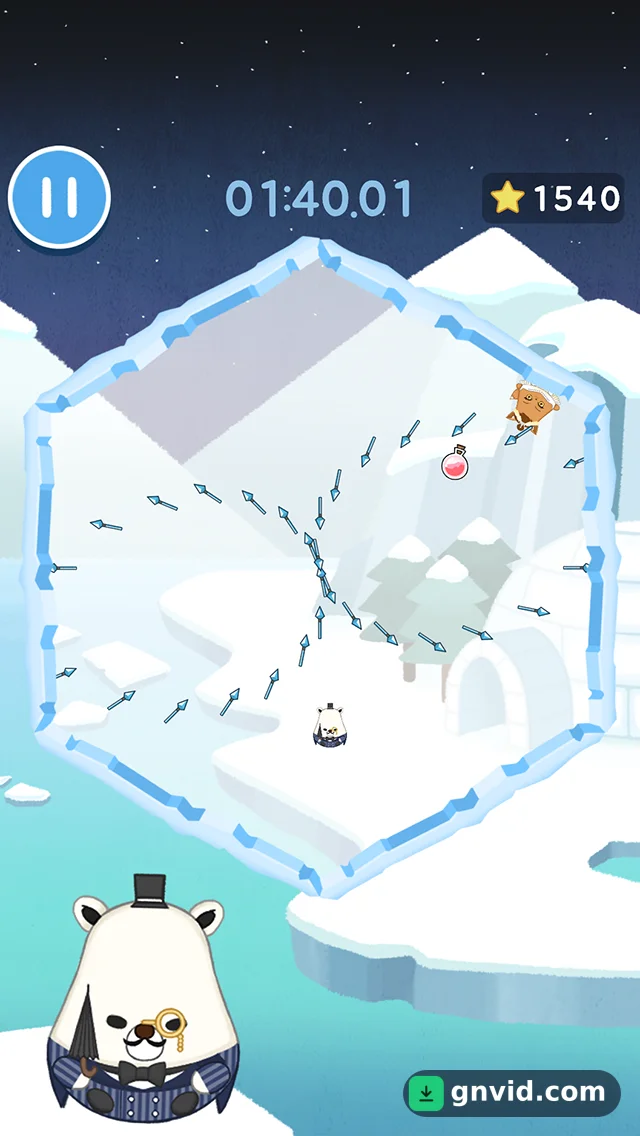
The name tells you the whole idea. You stand in the middle of a circular arena while arrows fly at you from every side. Your only job is to stay alive by dodging each one before it lands.
Controls are fully touch-based: drag your character left and right to slip through gaps between the arrows. Fast reactions matter more than anything, and a single moment of hesitation can end your run.
Helpful pickups appear in the arena to get you out of tight spots. The shield is one example, and it blocks incoming arrows. Grabbing these items at the right moment often decides whether you survive.
Missions, Stars and Characters
Dodge Arrow gives you more than one endless round. It includes dozens of different missions that use the same dodging mechanic, and the pressure builds as you move forward.
You collect stars along the way and spend them to unlock new characters. This gives you a reason to keep playing and adds some variety to each session.
The game has passed tens of thousands of downloads on Google Play worldwide and holds a solid 4.5 out of 5 rating. Players clearly enjoy its simple, addictive formula, especially fans of lightweight games.
Requirements and How to Install the APK
Dodge Arrow runs on Android 4.1 or newer, so it works on most phones, including older ones. The APK is about 35 MB, and you don’t need an internet connection to play.
- Download the latest Dodge Arrow APK from this GNVID page.
- If your phone asks, allow installation from unknown sources in Settings.
- Open the file, tap Install, then launch the game and start dodging.
GNVID offers only the original, unmodified version of the game.
Dodge Arrow features
- Dodge arrows coming from every direction in a circular arena
- Simple touch controls built around quick reflexes
- Power-ups such as a shield to block arrows
- Dozens of different missions
- Collect stars to unlock new characters
- Small download size and fully offline play
What's new in this version
Version 1.4.5 brings various optimizations and bug fixes.
Dodge Arrow specifications
| Version | 1.4.5 |
|---|---|
| Size | 35 MB |
| File format | APK |
| Android | 4.1+ |
| Internet | Plays offline |
| Genre | Arcade |
| Developer | Good Circle |
| Updated | 2018-06-22 |
| Price | Free |
Download links
Download the APK file dodge-arrow-v1.4.5-gnvid.com.apk 35 MB Extra OTHER file dodge-arrow-v1.4.5-2-gnvid.com.otherOriginal, unmodified version as released by the developer, no mods or add-ons, served directly by the GNVID download server.
How to install Dodge Arrow
- Download the APK file with the button.
- Allow "Install unknown apps" in Settings.
- Open the file and tap "Install".
Dodge Arrow FAQ
Is Dodge Arrow free?
Yes. The game is free, and you can download the original APK from GNVID.
Does Dodge Arrow work offline?
Yes. You can play it without an internet connection.
What Android version does Dodge Arrow need?
It needs Android 4.1 or higher. The APK is about 35 MB.
How do I unlock new characters in Dodge Arrow?
Collect stars while you play, then use them to unlock new characters.
Related games
 Popcorn Burst
v1.5.36
Download · 81 MB
 Hopeless: The Dark Cave
v4.7.0
Download · 90 MB
Updated
 Neighbor Four Brother Secret Puzzle
v9.0.0.9
Download · 81 MB
Updated
 Color Island
v1.3.2
Download · 51 MB
 Secret Cat Forest
v2.1.21
Download · 160 MB
Updated
 Q*bert
v1.3.4
Download · 21 MB
 The Spike – Volleyball Story
v8.2.104
Download · 1200 MB
 Flappy Dunk
v2.16.3
Download · 142 MB
